
Reactions are the quickest signal that people actually care about a post. A post with thousands of views and no reactions looks strange. A row of 👍 🔥 ❤️ under it tells new readers the content is worth their time. Here's how to add Telegram reactions and which kind to choose.
Quick answer
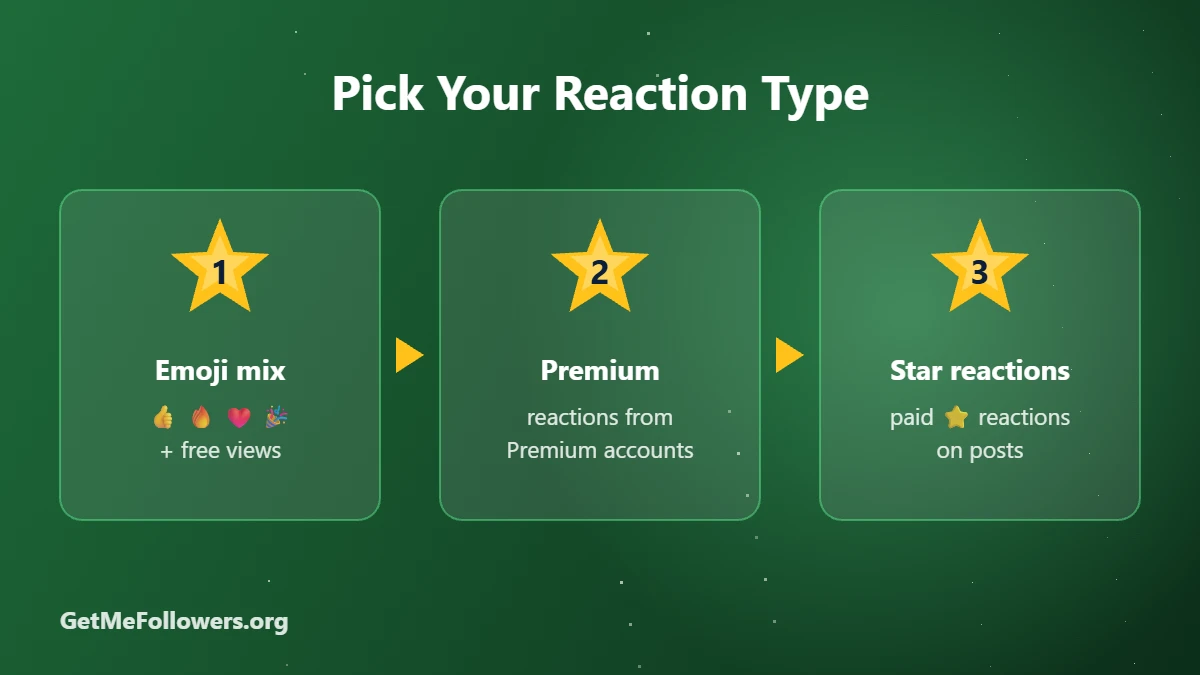
Copy your post link and order Mixed positive reactions + free views from 10 reactions. For premium accounts use Premium reactions, and for paid ⭐ reactions use Telegram Stars for posts.
Types of Telegram Reactions
| Type | What you get | Starting price |
|---|---|---|
| Positive mix | 👍🤩🎉🔥❤️🥰👏 and more, plus free views | ~$0.0095 / 1,000 |
| Single emoji | One chosen emoji, such as 👍 or ❤️, plus free views | ~$0.0095 / 1,000 |
| Future posts | Reactions added automatically to new posts | ~$0.048 / 1,000 |
| Premium reactions | Reactions from Telegram Premium accounts | ~$0.28 / 1,000 |
| Star reactions | Paid ⭐ reactions (the owner receives the Stars) | ~$18 / 1,000 Stars |
Prices as of October 2026 and may change. See the current rate on the services page.
How to Buy Telegram Reactions
- Make sure reactions are enabled: Channel settings → Reactions, and allow the emojis you plan to order.
- Copy the post link (for example https://t.me/yourchannel/88).
- Open positive reactions, premium reactions or future post reactions.
- Paste the link, enter the amount and pay with crypto.
From 10 reactions · free views included · pay with crypto
What About Star Reactions?
Star reactions are paid reactions: each ⭐ is a real Telegram Star sent to the channel. They stand out under a post and also add to the channel's Stars balance. Turn on Enable Paid Reactions in the channel's reaction settings, then order Stars for posts from 50. Learn more in What Are Telegram Stars.
Tips for Natural-Looking Reactions
- Keep reactions below your views. A few percent of views is typical.
- Use mixed positive reactions rather than one emoji repeated thousands of times.
- Combine with post views for a consistent picture.
Stay safe
- We only ever need a public link or @username. Never share your Telegram login code or password with anyone.
- For private channels and groups, use an invite link that you can revoke later.
- Start with a small order to test before scaling up.
Frequently Asked Questions
Why didn't my reactions arrive?
Usually reactions are disabled, or the ordered emoji isn't allowed in your channel's reaction settings. Enable it and contact support if needed.
Do reactions include views?
Many reaction packages include free views on the same post. The service name says so.
Can I choose a specific emoji?
Yes. There are single-emoji packages such as 👍 or ❤️ in addition to mixed sets.
What are Star reactions?
They're paid reactions made with Telegram Stars. The channel owner receives the Stars, which can later be withdrawn through Fragment.
Can I add reactions to future posts automatically?
Yes. Future-post reaction packages add reactions to your next posts as they're published.