Groups are different from channels: people judge them by how many members are there and by whether anyone is talking. An empty group feels awkward to join, while a busy one invites people in. This guide covers the three kinds of members you can add to a Telegram group and how to choose between them.
Quick answer
To raise your member count, use Channel/Group Members – Lifetime. To make the group look alive, add online members or members who chat. Paste your group link and pay with crypto.
Channel Subscribers vs Group Members
In a channel only admins post and everyone else reads. In a group everyone can chat. That's why groups benefit from more than a number: visible activity matters. If you run a channel, see our guide on buying channel subscribers instead.
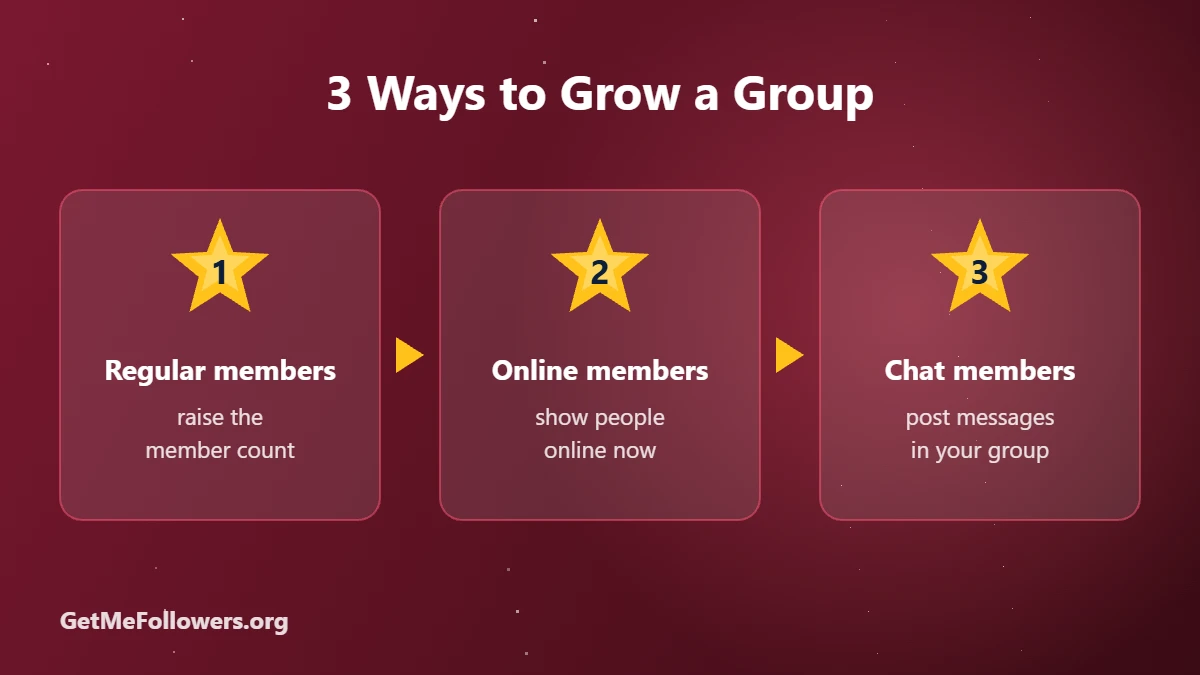
Types of Group Members
| Type | What you get | Starting price |
|---|---|---|
| Regular members | Accounts that join and raise your member count | ~$0.50 / 1,000 (lifetime refill) |
| Online members | Members shown as online, with a 30-day refill | ~$2.95 / 1,000 |
| Chat members | Members who post random messages in a chosen language | ~$1.38 / 1,000 |
| Premium members | Accounts with Telegram Premium | ~$1.14 / 1,000 |
Prices as of October 2026 and may change. See the current rate on the services page.
How to Buy Telegram Group Members
- Make sure the group is public, or create an invite link in group settings.
- Pick a service: regular members, online members or chat members (English).
- Paste the group link and enter the amount.
- Pay with crypto. Delivery starts within hours.
Regular, online or chat members · pay with crypto
Prepare Your Group First
- Check permissions: if you order chat members, make sure members are allowed to send messages.
- Anti-spam bots: pause join captchas or strict anti-spam bots during delivery, or new members may be removed.
- Pin rules and a welcome message so real newcomers know what the group is about.
- Seed real conversation: ask questions and reply quickly. See 8 ways to increase Telegram interaction.
Stay safe
- We only ever need a public link or @username. Never share your Telegram login code or password with anyone.
- For private channels and groups, use an invite link that you can revoke later.
- Start with a small order to test before scaling up.
Frequently Asked Questions
Can I buy members for a private group?
Yes. Create an invite link in your group settings and use it in the order. Revoke it after delivery if you like.
What are online members?
They're members that appear online in your group, which makes it look active when people visit.
Will chat members talk about my topic?
Chat members post general messages in the language you choose. They make a group look lively, but on-topic discussion comes from your real community.
My members disappeared. Why?
Anti-spam bots or join approval settings can remove new members. Pause them during delivery. Packages with refill replace drops within the refill period.
Do group members work for channels too?
Many regular member packages work for both channels and groups. Online and chat members are meant for groups.