Whether you're switching apps, cleaning up an old number or just taking a break, Telegram lets you delete your account in two ways: immediately through its website, or automatically after a period of inactivity. Here's how both work and what you should save first.
Before you delete
Deletion is permanent. Your messages, groups you own and contacts can't be restored. Export anything you want to keep first, and make sure another admin can manage your channels and groups.
Method 1: Delete Your Account Right Away
- Open my.telegram.org in a browser.
- Enter your phone number in international format.
- Telegram sends a confirmation code to your Telegram app. Enter it on the website.
- Choose Delete account, optionally give a reason, and confirm.
Your account and its data are removed. You can sign up again with the same number later, but it will be a fresh, empty account.
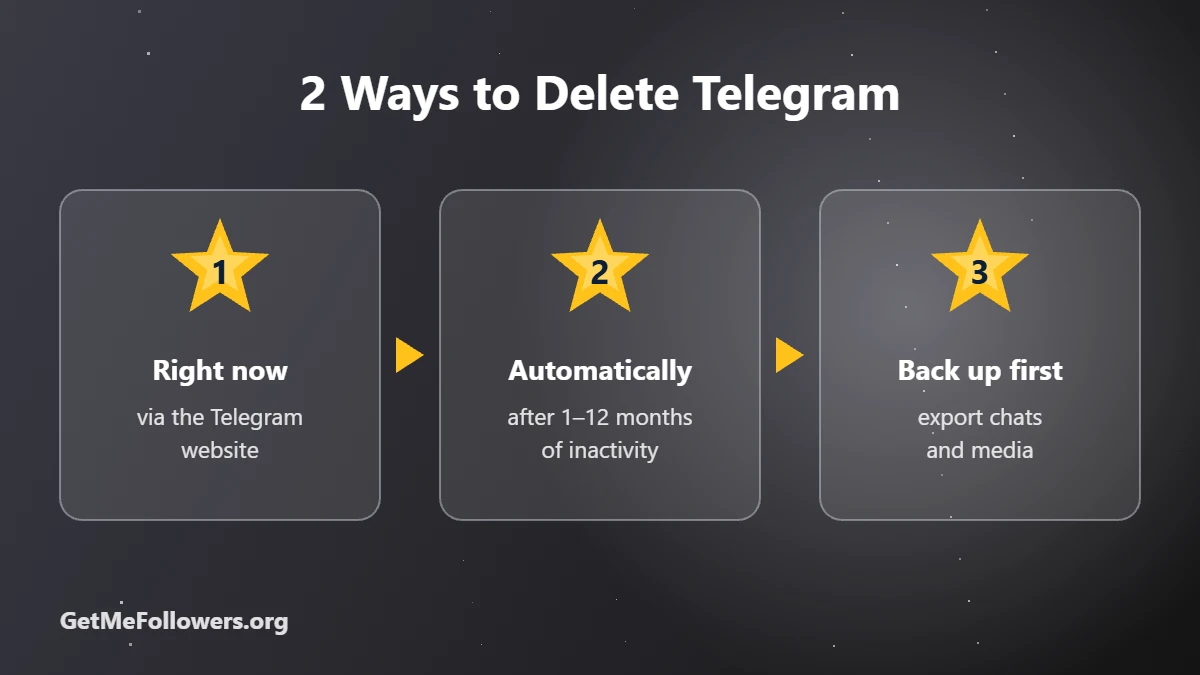
Method 2: Let It Self-Destruct Automatically
- Open Settings → Privacy and Security.
- Find the section about deleting your account if you're away.
- Choose a period such as 1, 3, 6 or 12 months.
If you don't open Telegram for that long, the account is deleted automatically.
What to Do Before Deleting
- Export your data: Telegram Desktop has an Export Telegram data option for chats, photos and files.
- Hand over your channels and groups: transfer ownership or add another admin, or they may be left without an owner.
- Cancel subscriptions such as Telegram Premium in your app store.
- Use any Stars balance first, since it can't be recovered.
Deleting vs Logging Out
If you only want a break, simply log out of all devices in Settings → Devices. Your account stays intact and you can log back in anytime.
Frequently Asked Questions
Can I recover a deleted Telegram account?
No. Once deleted, messages, contacts and groups you own can't be restored.
Can I use the same phone number again?
Yes. You can register a new Telegram account with the same number, but it starts empty.
What happens to my channels when I delete my account?
Channels and groups you own may be left without an owner. Transfer ownership to someone else before deleting.
Do my messages disappear for others?
Messages in private chats are removed with your account. Messages you posted in groups may remain, shown as from a deleted account.
How do I delete Telegram without the app?
You need access to the app to receive the confirmation code. If you've lost access, the inactivity timer will eventually delete the account.